Incognito Switch – Open Current Tabs Privately
Incognito Switch – Open Current Tabs Privately is free on the Chrome Web Store.
Install the official NIUBIAPP extension directly from Google. Every feature is included.
FREE PRIVATE-BROWSING SHORTCUT
Open the page you are viewing in an incognito window—without copying the URL.
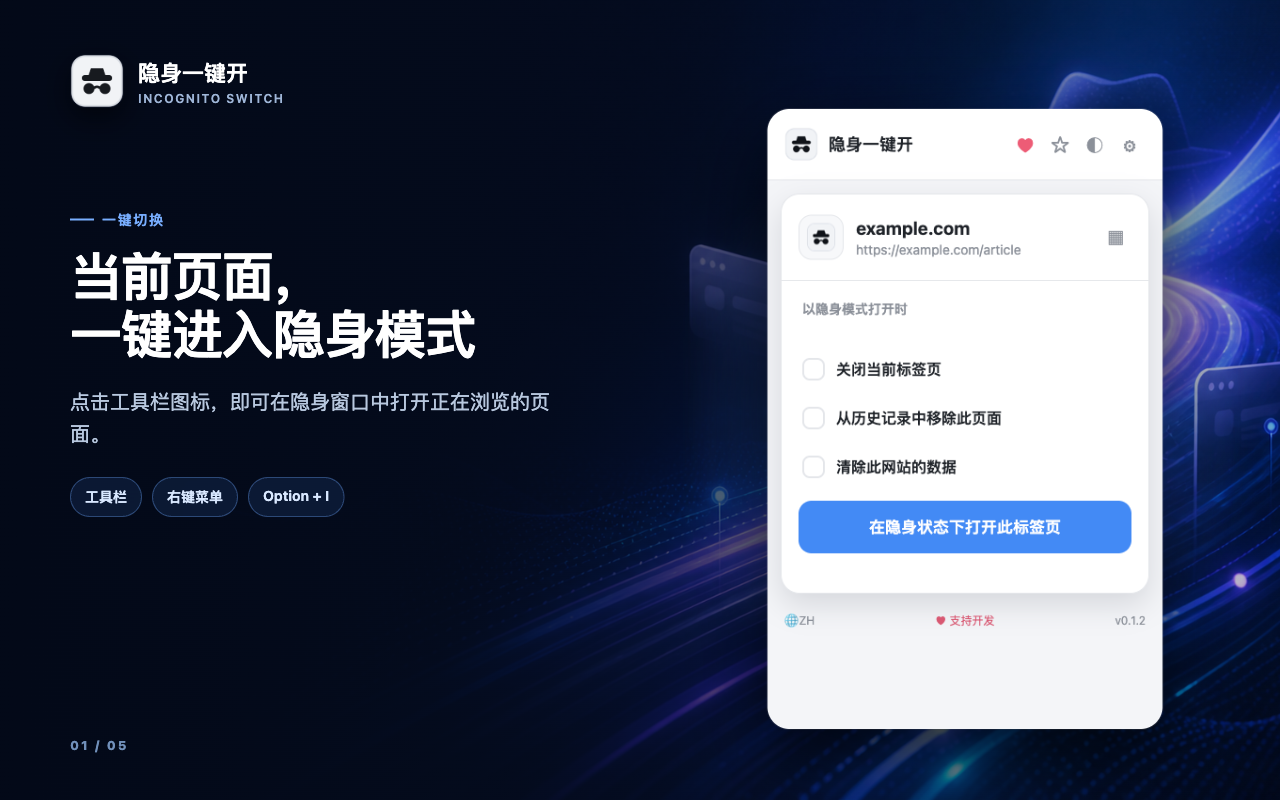
Incognito Switch opens the current page through Chrome’s native private-browsing mode from the toolbar, right-click menu, keyboard shortcut, or an optional floating button.
Every feature is free. No account, analytics, remote code, or paid unlock. Optional support is available through Creem.

Open the current page in the way that suits you
Use the extension icon, a webpage context menu, or Alt+I on Windows and Linux / Option+I on macOS.
Toolbar
Click the pinned extension icon to open the active webpage privately.
Right-click menu
Open the current page or a selected link in an incognito window.
Keyboard shortcut
Press Alt+I or Option+I without interrupting your browsing flow.
Choose what happens before opening
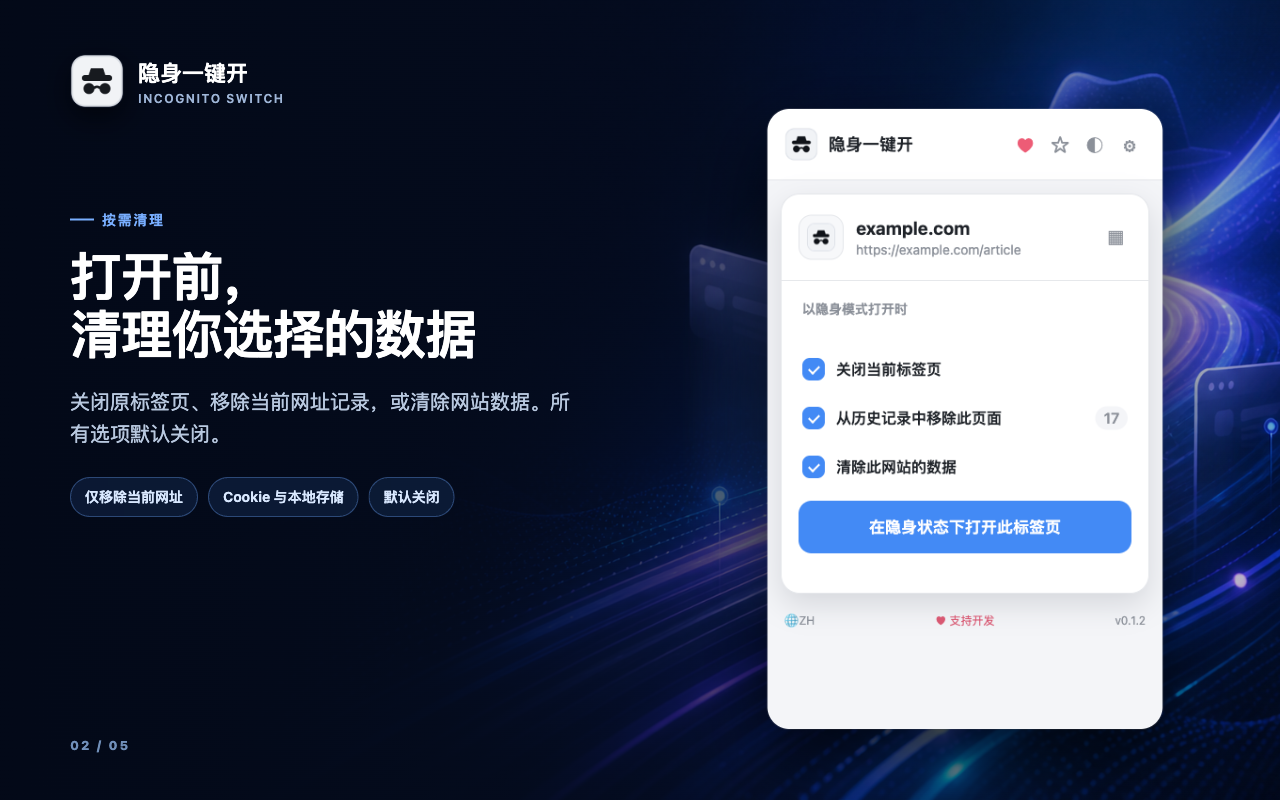
Cleanup choices are visible in the popup and remain off by default. Enable only the actions you want for the current page.
- Close the source tab only after the private destination opens successfully.
- Remove the exact page URL from Chrome history.
- Clear site data, including cookies and local storage for that website, before opening it privately.
Flexible opening behavior, without hidden automation
Settings also apply to the keyboard shortcut and right-click menu, so the extension behaves consistently wherever you start.
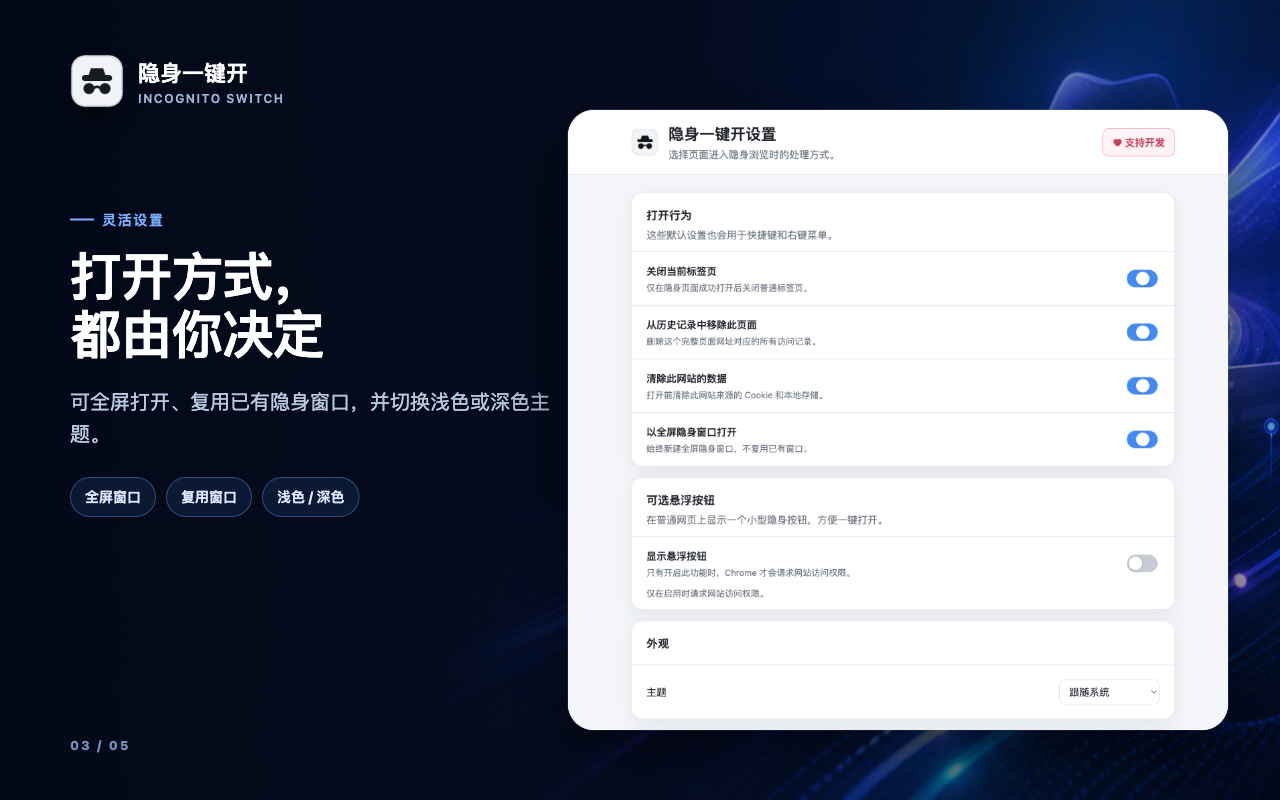
Reuse a private window
By default, later pages can open as tabs in an existing incognito window, reducing window clutter.
Open full screen
Choose to create a new full-screen incognito window whenever that better fits your workflow.
Light, dark, or system
Match Chrome and your desktop with light, dark, or automatic system appearance.
OPTIONAL FLOATING BUTTON
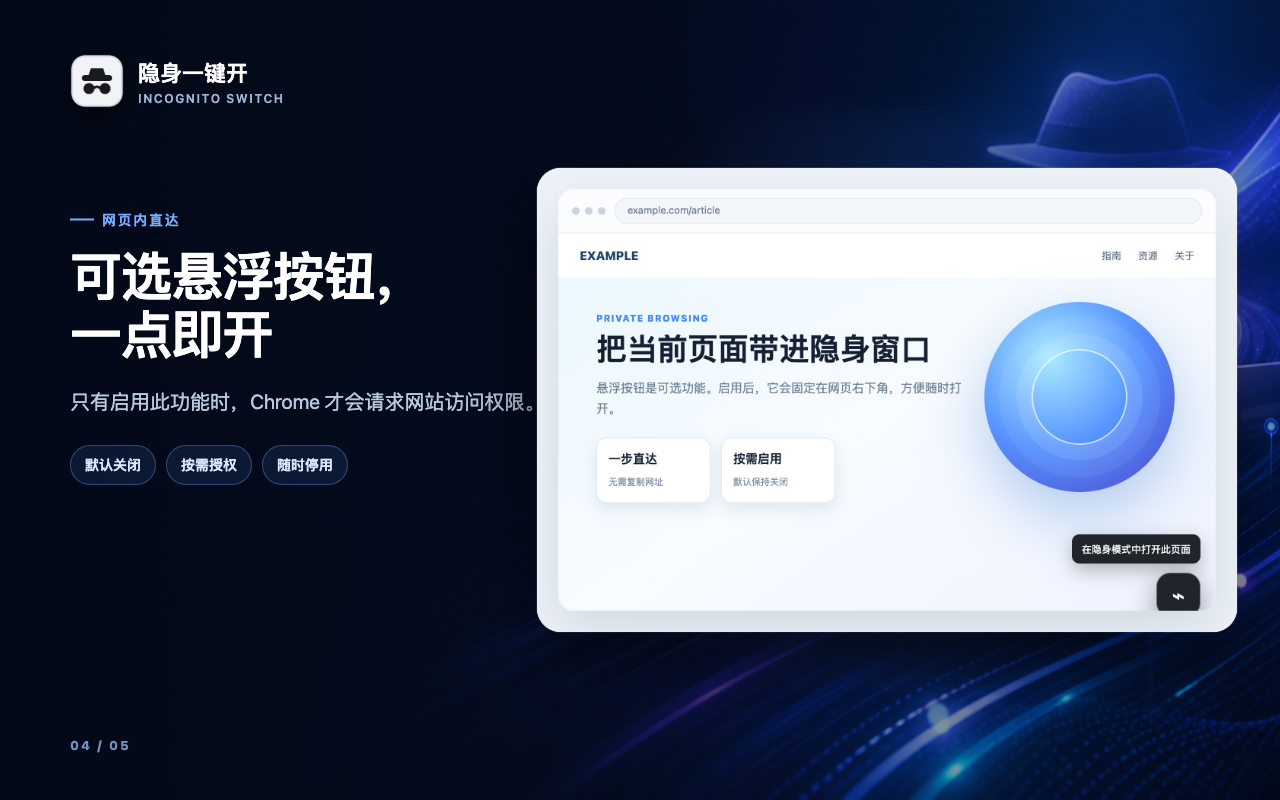
A webpage shortcut—only if you enable it
The floating button appears in the lower-right corner of regular webpages and opens the current URL privately with one click.
It is disabled by default. Chrome requests website access only when you turn this feature on, and you can remove that access by turning it off again.
Free, private by design, and available in 52 languages
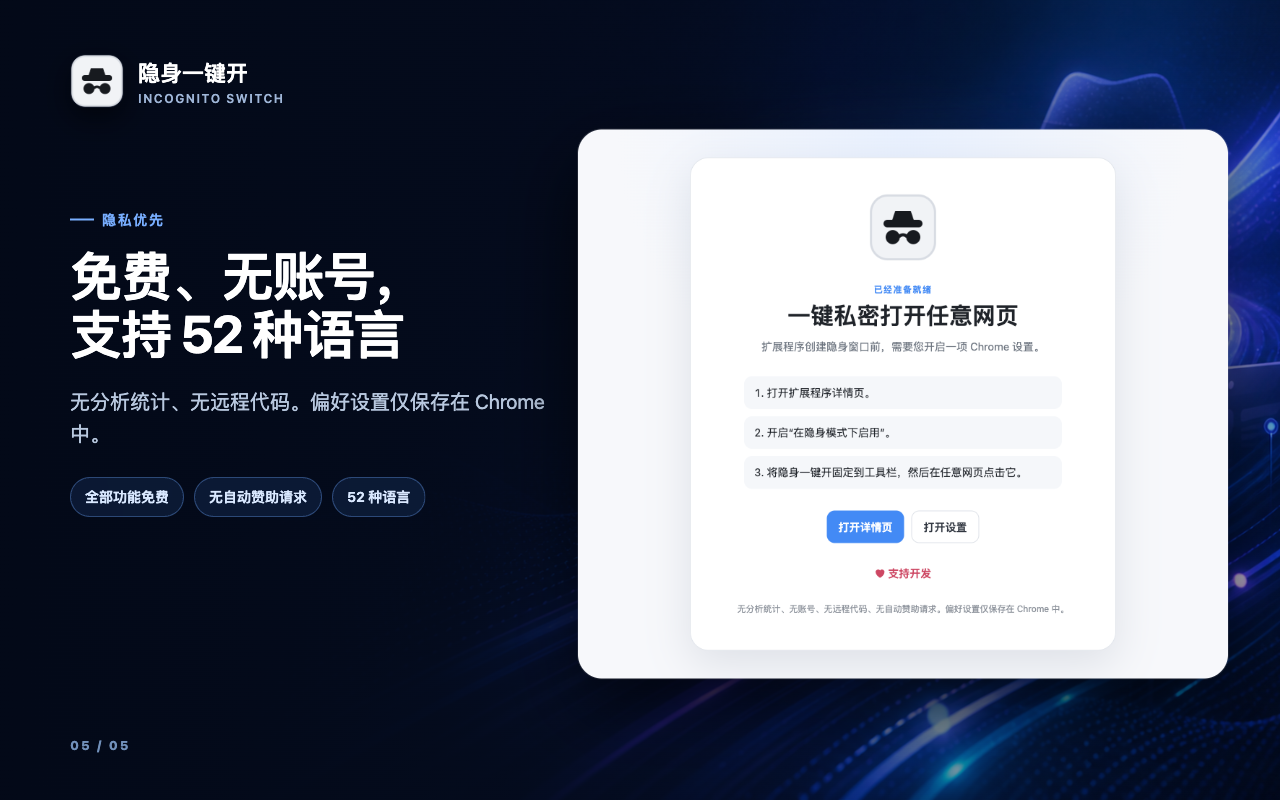
No account, analytics, advertising, fingerprinting, remote code, or automatic sponsor requests. Preferences stay in Chrome extension storage.
Free to use. Optional to support.
Incognito Switch does not sell access to features. Optional support helps NIUBIAPP continue improving independent browser tools.
ALL FEATURES
Free forever
$0
No account, trial limit, subscription, ads, or paid unlock. Opening methods, cleanup choices, themes, floating button, and languages are included.
OPTIONAL
Support development
Pay what you want
Buy a NiubiApp supporter thank-you card through Creem. Supporting does not unlock features or change how the extension works.
What incognito mode does—and does not do
Incognito Switch opens Chrome’s built-in incognito mode. Chrome does not save browsing history, cookies, site data, or information entered in forms after the private session ends, subject to Chrome’s own behavior and settings.
Incognito mode does not make you anonymous or act as a VPN. Websites you visit, your employer or school, and your internet service provider may still be able to observe activity. Downloads and bookmarks you create remain on your device.
INCOGNITO SWITCH
Privacy details
Last updated: August 17, 2026
Current-page processing
Incognito Switch reads the active tab URL only to open that same destination in Chrome’s native incognito mode. The page URL and webpage content are not sent to NIUBIAPP servers.
Optional history and site-data cleanup
History access is used only when you choose to remove the exact current URL from Chrome history. Site-data cleanup is used only when you choose to clear data for the current website before opening it privately. These choices are off by default.
Optional website access
Website access is requested only if you enable the floating button. It is used to place that button on regular webpages and can be removed by disabling the feature.
Extension settings
Opening choices, theme, full-screen preference, rating preference, and floating-button state are stored in Chrome extension storage. Chrome may sync supported preferences if you have enabled browser synchronization.
No tracking or paid access system
Incognito Switch does not include advertising, analytics, fingerprinting, remote code, an account system, or a license system. All extension functionality is free.
Optional Creem support
The support button opens a Creem-hosted NiubiApp supporter product page only after you click it. Creem handles checkout information under its own terms and privacy practices. Supporting is voluntary and does not unlock functionality.
Contact
For privacy or product support, email [email protected]. See the broader NIUBIAPP Privacy Policy for additional information.
Open the page you need privately—without breaking your flow.
Incognito Switch is free on the Chrome Web Store. Every feature is included—install it directly from Google, with optional support that never unlocks or changes features.