Pictures and A+ content
Find available high-resolution product pictures and A+ detail images, with separate filters so you can choose the material you need.
Chrome extension for Amazon product media
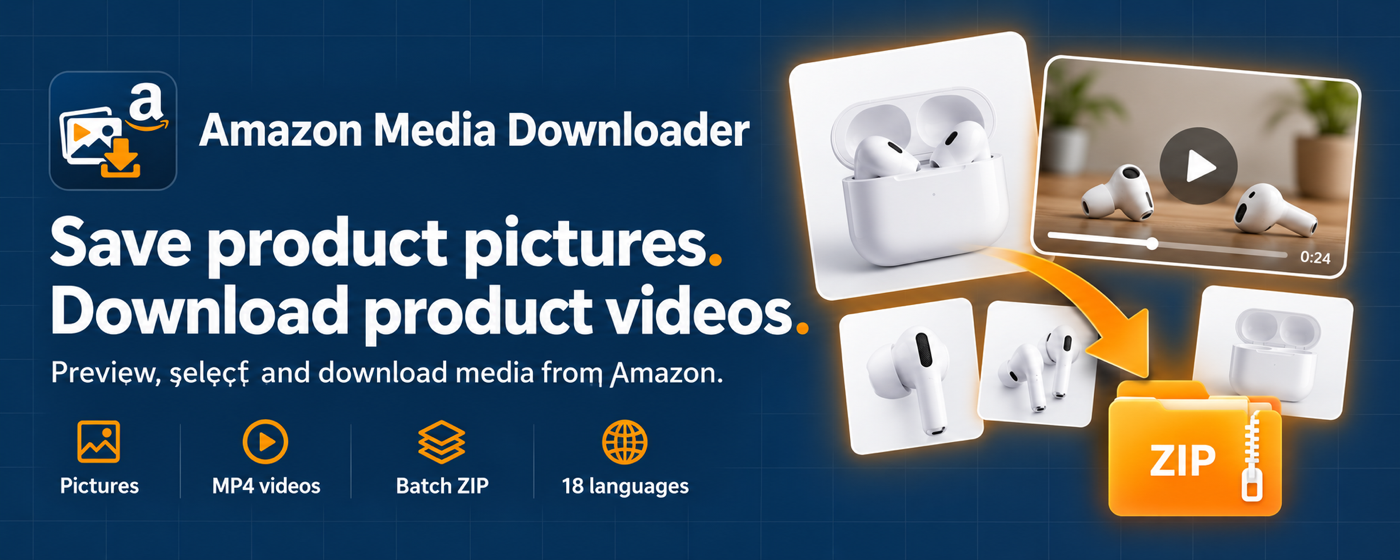
Amazon Media Downloader- Download Picture and Video From amazon helps you preview and save product pictures, available videos and A+ detail images from Amazon product pages.
Chrome Web Store listing is being prepared. Contact support for availability. Payments and license activation are managed inside the extension.

Independent software by NIUBIAPP. Not affiliated with, endorsed by, or sponsored by Amazon. Download only media you own or have permission to use.
One product media workspace
Keep product images and available videos together, with clear selection and download progress.
Find available high-resolution product pictures and A+ detail images, with separate filters so you can choose the material you need.
Preview available product videos and save the files Amazon exposes. Video quality matches the source offered on the product page.
Add up to 30 product URLs or ASINs per batch. Download selected files in organized ZIP archives or save original media files individually.
How it works
You choose the product, media and download mode. Keep the download page open while a task runs.
Open the product in Chrome, then click the extension icon to scan the page.
Filter pictures, videos or A+ content. Enlarge a picture or play a video before selecting the files to save.
Paste product URLs or ASINs, one per line, to scan up to 30 products in a batch.
Choose ZIP or individual original files. Pause, resume or stop the task, and retry failed items when needed.
Organized output
ZIP output groups media by product and type, with a media-index.json file. Filenames use the ASIN, media type, a stable number and the media label.
18 interface languages
The extension automatically matches a supported browser language, with English as the fallback. Choose another language in the download or privacy page; the preference is saved locally. Arabic and Hebrew use a right-to-left layout.
Privacy and boundaries
Product titles, ASINs, page links and media URLs are processed in your browser for the scan and download you request. Downloaded files stay on your computer. The extension does not send product details or media files to NIUBIAPP or the licensing service.
Extension-specific privacy notice · Updated October 16, 2026 · Version 0.3.0
Purpose-limited browser access
Simple pricing
The free allowance counts different products by ASIN, after a successful file download. Pictures and videos from the same product share one product slot; repeated downloads of that product do not use another slot. A completely failed download does not reduce the allowance.
Successfully download media from 5 different products in total, recorded in this browser. No recurring free reset.
USD per month, tax inclusive. No product-count limit while the subscription and license are active. Automatically renews until canceled.
One-time USD payment, tax inclusive. No product-count limit for the supported lifetime of the product. One active browser instance.
Paid licenses cover one active browser instance. Buy a plan inside the extension, then activate the key from the Creem email. Manage a monthly subscription using the Creem customer portal linked in your purchase email. Creem is the merchant of record for payments, taxes, invoices and license delivery. Refund requests follow our Refund Policy.
Before your first download
Some video URLs are exposed only after the video plays. Open the video on the Amazon product page, play it for a few seconds, then return to the extension and rescan. A page with no available product video cannot produce a video download.
It saves available source files such as MP4, M4V or WebM from supported Amazon media hosts. DRM, encrypted streams and videos available only as HLS playlists are not supported. Resolution is limited to the source offered by Amazon.
Batch mode scans the product links or ASINs you paste. It does not automatically crawl shops or categories, switch through every variant, or bypass login and human verification. Media already present in a product page can be detected.
Product-link formats are supported for the United States, Canada, Mexico, Brazil, United Kingdom, Germany, France, Italy, Spain, Netherlands, Sweden, Poland, Belgium, Ireland, Japan, India, Australia, Singapore, United Arab Emirates, Saudi Arabia, Türkiye, Egypt and South Africa. Detection can vary by page layout, region and access conditions.
The status panel shows the error. Complete any login or human verification on Amazon, then retry. Successfully saved files remain on your computer. Failed files stay available to retry; an all-failed product download does not use a free slot.
Keep the page open for scanning and ZIP creation. Closing it loses the queue and unsaved ZIP data. Original-file downloads already handed to Chrome are managed by the browser. Restarting a task is not a resume-from-disk feature.
Amazon Media Downloader support
Send the extension version, browser version, Amazon marketplace, product URL, status message and a screenshot without sensitive information. Do not send your license key or payment-card details.